
About SmadAV
SmadAV is a lightweight antivirus program developed in Indonesia, mainly designed as a second-layer antivirus for Windows PCs. Instead of replacing major antivirus suites like Microsoft Defender or AVG AntiVirus, SmadAV works alongside them to provide extra protection — especially against USB-borne malware and offline threats.
The software is well known for:
- USB flash drive virus protection
- Lightweight system usage
- Offline malware detection
- Registry repair tools
- Protection against autorun viruses
- Compatibility with older PCs and low-end systems
One of SmadAV’s biggest advantages is its tiny footprint — usually under 10 MB installation size and low RAM/CPU usage. Because of this, many users install it alongside their main antivirus without noticeable slowdowns.
Review of SmadAV
What SmadAV Does Well
1. Excellent USB Protection
SmadAV’s strongest feature is protection against viruses spreading through USB drives and external storage devices. It can detect autorun malware, shortcut viruses, and even restore hidden files from infected drives.
This makes it particularly useful in:
- Schools
- Offices
- Cyber cafés
- Shared PC environments
- Older Windows systems
2. Very Lightweight
Unlike heavy antivirus suites, SmadAV consumes minimal system resources. Even older laptops and low-spec PCs can run it comfortably.
Good for:
- Low-RAM systems
- Older Windows PCs
- Background protection without lag
3. Works Alongside Other Antivirus Software
SmadAV is intentionally designed to coexist with primary antivirus software rather than replace it.
A common setup is:
- Windows Defender + SmadAV
- Avast + SmadAV
- AVG + SmadAV
4. Useful Repair & Cleanup Tools
The software includes utilities for:
- Registry repair
- Startup cleanup
- Process management
- System recovery after malware infection
Weaknesses of SmadAV
1. Not a Full Internet Security Suite
SmadAV is not as comprehensive as modern antivirus platforms like Bitdefender, Kaspersky, or Norton 360.
It lacks:
- Advanced ransomware defense
- VPN
- Password manager
- Web protection
- Phishing protection
- Advanced AI threat analysis
So it should not be your only protection layer.
2. Average Detection Compared to Global Antivirus Leaders
Community discussions and reviewers often mention that SmadAV is decent for local and USB-based threats but weaker against sophisticated modern malware.
A Reddit user summarized it as:
“Decent protection, however below average compared to well-known solutions.”
3. Interface Feels Outdated
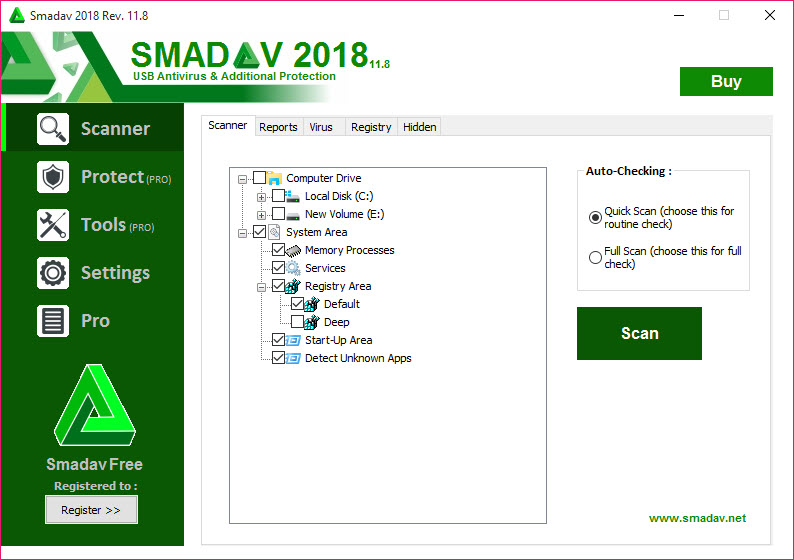
The UI is functional but looks old-fashioned compared to modern security suites. Some users may find it less polished visually.
Final Verdict
SmadAV is best viewed as a secondary antivirus companion, not a complete replacement for a modern security suite.
Recommended For:
- Older Windows PCs
- USB-heavy environments
- Offline systems
- Extra protection alongside Windows Defender
- Users wanting a lightweight antivirus
Not Ideal For:
- Full internet security
- Enterprise-grade protection
- Advanced ransomware defense
- Users needing all-in-one cybersecurity tools
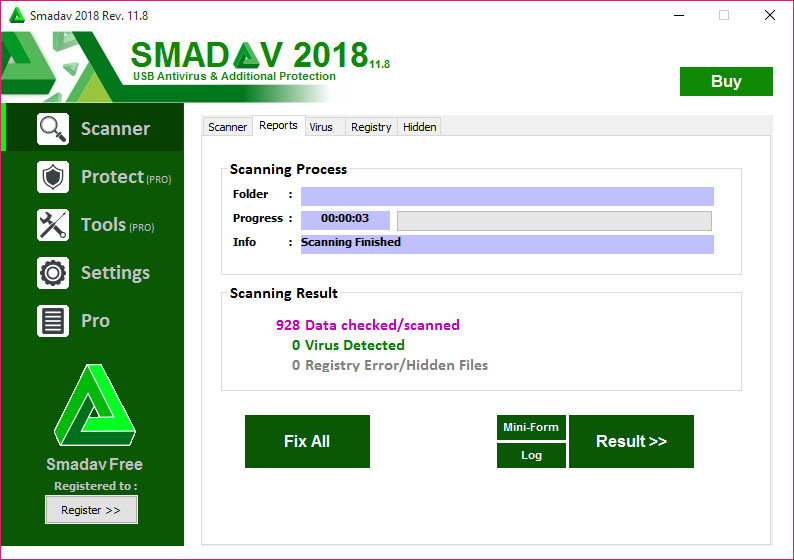
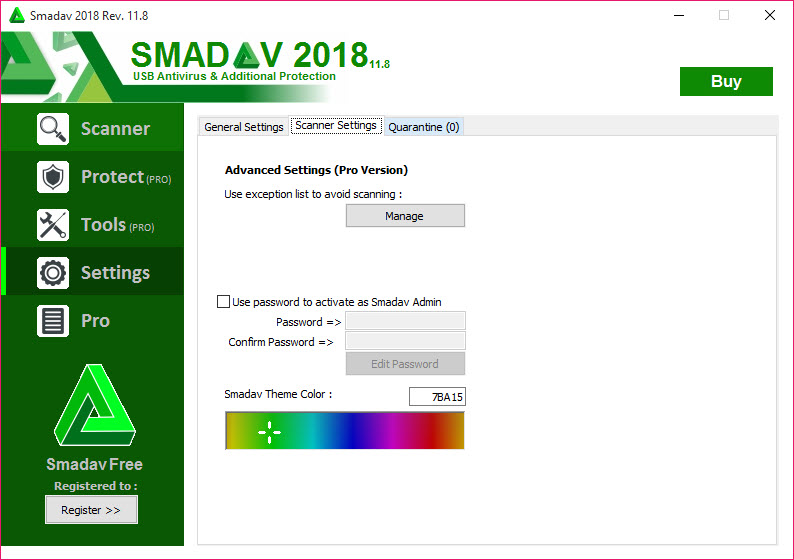
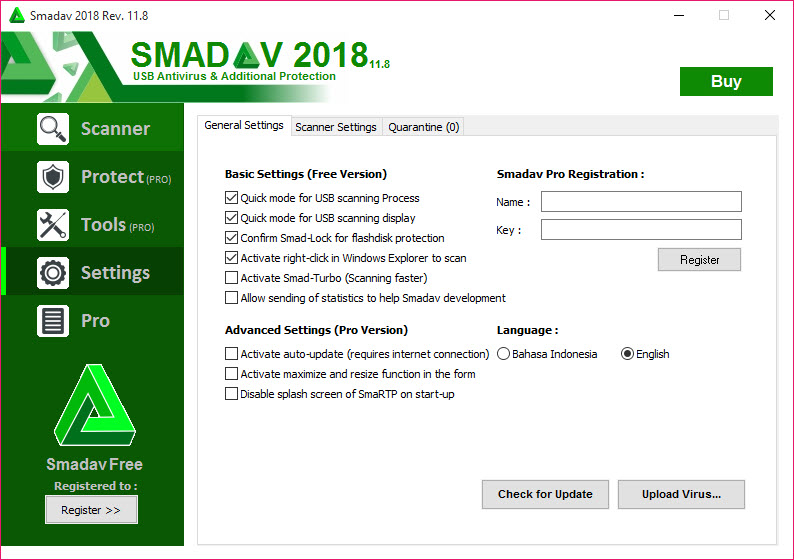
Screenshots
Specifications
User Reviews
No reviews yet. Be the first to review!