
About Malwarebytes
Malwarebytes is a top-notch antispyware software that specializes in detecting and removing malware, including trojans, spyware, and other malicious threats. Its primary use case is to provide real-time threat protection and remediation for individual computers and businesses, offering a key benefit of enhanced online security. By using Malwarebytes, users can proactively safeguard their systems against various forms of malware.
What is Malwarebytes?
Malwarebytes is a powerful antispyware tool developed by Malwarebytes, a renowned company in the cybersecurity industry. It is designed to solve the problem of malware infections, which can compromise personal data, disrupt system performance, and lead to significant financial losses. With its robust features and intuitive interface, Malwarebytes has established a reputation as a trusted solution for both beginners and professionals.
Malwarebytes has a rich history, dating back to 2006 when it was first released as a malware removal tool. Over the years, it has evolved to become a comprehensive security solution, incorporating advanced technologies such as behavioral detection, anomaly detection, and machine learning. Today, Malwarebytes is widely recognized as a leading antispyware software, trusted by millions of users worldwide.
Malwarebytes is particularly effective in detecting and removing malware that other antivirus programs may miss. Its unique approach to threat detection and remediation has earned it numerous awards and accolades, solidifying its position as a top-tier security solution. Whether you're a home user or a business owner, Malwarebytes is an essential tool for protecting your digital assets from malware and other online threats.
As a testament to its commitment to cybersecurity, Malwarebytes continually updates its software to stay ahead of emerging threats. The current version, 5.5.6.254, reflects the company's dedication to providing the most effective and efficient malware protection available. By choosing Malwarebytes, users can rest assured that their systems are protected by a robust and reliable security solution.
Malwarebytes Key Features
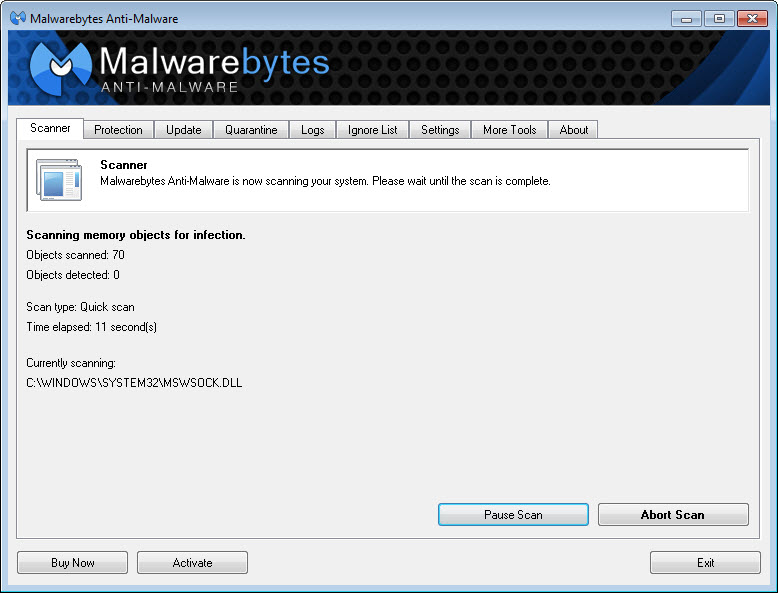
- Real-Time Protection: Malwarebytes provides real-time threat protection, scanning your system and detecting malware as it attempts to infect your computer. This feature is essential for preventing malware from gaining a foothold on your system.
- Behavioral Detection: Malwarebytes uses advanced behavioral detection techniques to identify and block malicious activity, even if the malware is unknown or zero-day. This feature helps to stay ahead of emerging threats.
- Anomaly Detection: Malwarebytes' anomaly detection capabilities help to identify and flag suspicious activity that may indicate a malware infection. This feature provides an additional layer of protection against unknown threats.
- Malware Removal: Malwarebytes is highly effective in removing malware, including trojans, spyware, and other types of malicious software. Its robust removal capabilities ensure that your system is thoroughly cleaned and protected.
- Anti-Ransomware: Malwarebytes includes anti-ransomware protection, which helps to prevent ransomware attacks and protect your sensitive data. This feature is essential for safeguarding your valuable files and documents.
- Anti-Exploit: Malwarebytes' anti-exploit technology helps to prevent exploits and vulnerabilities in software from being used to infect your system. This feature provides an additional layer of protection against exploit-based attacks.
- Web Protection: Malwarebytes includes web protection features, which help to block malicious websites and prevent malware from being downloaded onto your computer. This feature provides real-time protection against web-based threats.
- Scan Scheduling: Malwarebytes allows you to schedule scans, ensuring that your system is regularly checked for malware and other threats. This feature helps to maintain your system's security and integrity.
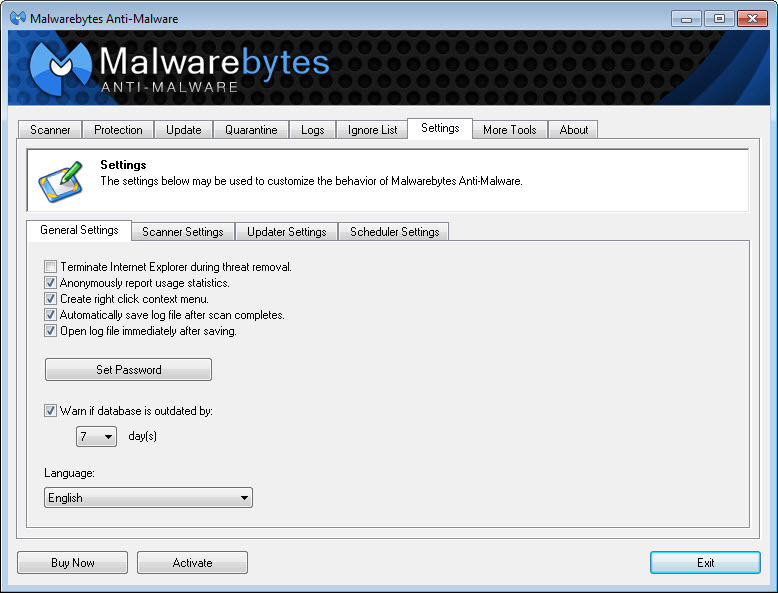
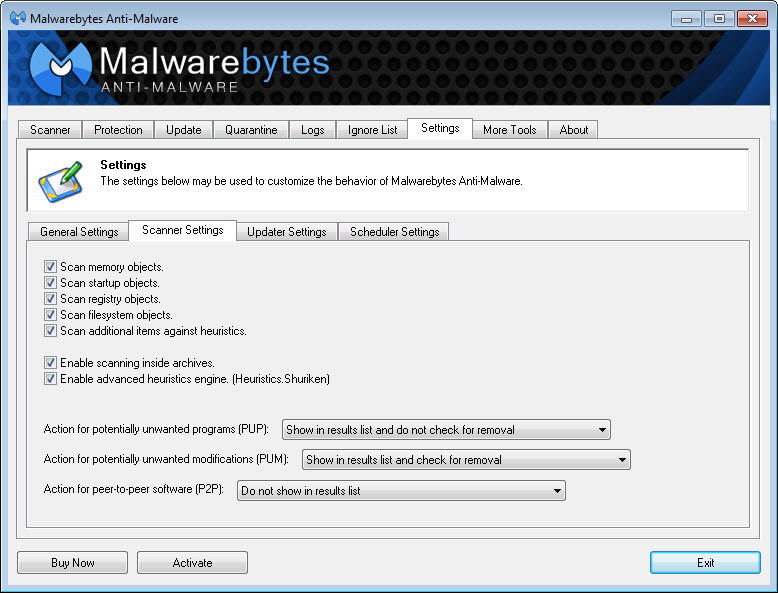
- Customizable Settings: Malwarebytes provides customizable settings, allowing you to tailor the software to your specific needs and preferences. This feature enables you to fine-tune your security settings for optimal protection.
- Multi-Language Support: Malwarebytes supports multiple languages, making it accessible to users worldwide. This feature ensures that users from diverse linguistic backgrounds can use the software with ease.
- Regular Updates: Malwarebytes receives regular updates, ensuring that you have the latest protection against emerging threats. This feature helps to stay ahead of the evolving threat landscape.
Who Should Use Malwarebytes?
Malwarebytes is suitable for anyone who wants to protect their computer from malware and other online threats. Whether you're a beginner or an experienced user, Malwarebytes is easy to use and provides robust security features. Home users, businesses, and professionals can all benefit from using Malwarebytes to safeguard their digital assets.
Specific use cases for Malwarebytes include protecting against ransomware, removing malware infections, and preventing exploit-based attacks. The software is particularly useful for users who engage in high-risk activities, such as downloading files from the internet or accessing suspicious websites. By using Malwarebytes, users can significantly reduce the risk of malware infections and maintain their system's security and integrity.
The skill level required to use Malwarebytes is relatively low, making it accessible to users of all experience levels. The software's intuitive interface and customizable settings enable users to easily navigate and configure the program to suit their needs. Additionally, Malwarebytes provides comprehensive support resources, including documentation, tutorials, and customer support, to help users get the most out of the software.
Malwarebytes: Pros and Cons
Advantages:
- Effective malware detection and removal capabilities
- Real-time protection against emerging threats
- Easy to use and navigate, even for beginners
- Customizable settings to tailor the software to your needs
- Regular updates to stay ahead of the evolving threat landscape
- Multi-language support for global accessibility
- Robust anti-ransomware and anti-exploit protection
Disadvantages:
- May not replace traditional antivirus software
- Some features may require a paid subscription
- May conflict with other security software
- Requires regular updates to maintain effectiveness
Is Malwarebytes Free?
Malwarebytes offers both free and paid versions of its software. The free version provides basic malware detection and removal capabilities, while the paid version, known as Malwarebytes Premium, offers additional features such as real-time protection, anti-ransomware, and anti-exploit protection. The paid version requires a subscription, which can be purchased on a monthly or yearly basis.
While the free version of Malwarebytes is a great starting point for users who want to try out the software, the paid version provides more comprehensive protection and is recommended for users who want to ensure their systems are thoroughly protected against malware and other online threats.
Frequently Asked Questions about Malwarebytes
Yes, Malwarebytes is safe to use and has been certified by various independent testing organizations. It is designed to protect your system from malware and other online threats, and its robust security features ensure that your digital assets are safeguarded.
Malwarebytes is an antispyware software that detects and removes malware, including trojans, spyware, and other malicious software. It provides real-time protection, behavioral detection, and anomaly detection to stay ahead of emerging threats.
Malwarebytes offers both free and paid versions of its software. The free version provides basic malware detection and removal capabilities, while the paid version offers additional features such as real-time protection and anti-ransomware protection.
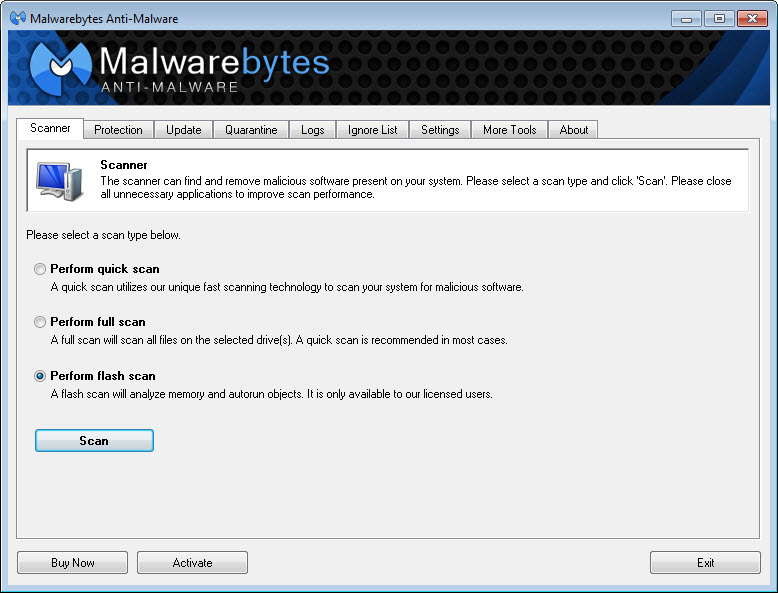
To use Malwarebytes, simply download and install the software, then launch it and follow the prompts to scan your system for malware. You can also customize the software's settings to tailor it to your specific needs and preferences.
Malwarebytes and Norton Antivirus are both security software solutions, but they serve different purposes. Malwarebytes is an antispyware software that specializes in detecting and removing malware, while Norton Antivirus is a comprehensive antivirus solution that provides protection against a broader range of threats. Malwarebytes can be used in conjunction with Norton Antivirus to provide additional protection against malware and other online threats.
In conclusion, Malwarebytes is a powerful antispyware software that provides robust protection against malware and other online threats. With its real-time protection, behavioral detection, and anomaly detection capabilities, Malwarebytes is an essential tool for anyone who wants to safeguard their digital assets. Whether you're a home user or a business owner, Malwarebytes is a highly recommended solution for protecting your system from malware and maintaining your online security. We strongly recommend downloading Malwarebytes to enhance your system's security and integrity.
Screenshots
Specifications
User Reviews
No reviews yet. Be the first to review!