
About KMPlayer
KMPlayer is a free media player that allows users to play a wide range of video and audio formats, making it a top choice for those looking for a versatile and reliable media player. Its primary use case is to provide a seamless viewing experience for various types of media files, and its top benefit is its ability to support multiple formats without the need for additional codecs. With KMPlayer, users can enjoy their favorite movies, music, and other media content without any hassle.
What is KMPlayer?
KMPlayer is a media player developed by KMP Media Corporation, designed to play various types of media files, including videos, audio files, and more. It solves the problem of compatibility issues with different media formats, providing a one-stop solution for all media playback needs. KMPlayer has a reputation for being a reliable and efficient media player, with a wide range of features that enhance the user experience.
KMPlayer has a long history of providing high-quality media playback, with its first release dating back to 2002. Since then, it has evolved to become one of the most popular media players available, with a user base spanning across the globe. KMPlayer's ability to play multiple formats, including DVD, VCD, and CD, makes it a versatile tool for media enthusiasts.
KMPlayer's development is focused on providing a seamless media playback experience, with regular updates and improvements to ensure that it stays ahead of the curve. The software is designed to be user-friendly, with an intuitive interface that makes it easy to navigate and use. KMPlayer's reputation as a reliable media player has earned it a spot among the top media players available today.
KMPlayer's features and capabilities have made it a top choice among media enthusiasts, with its ability to play a wide range of media formats, including those with subtitles and closed captions. The software's support for multiple languages and its customizable interface have also contributed to its popularity.
KMPlayer Key Features
- Multi-format playback: KMPlayer supports a wide range of media formats, including AVI, MP4, MKV, and more, making it a versatile media player. This feature allows users to play multiple types of media files without the need for additional codecs.
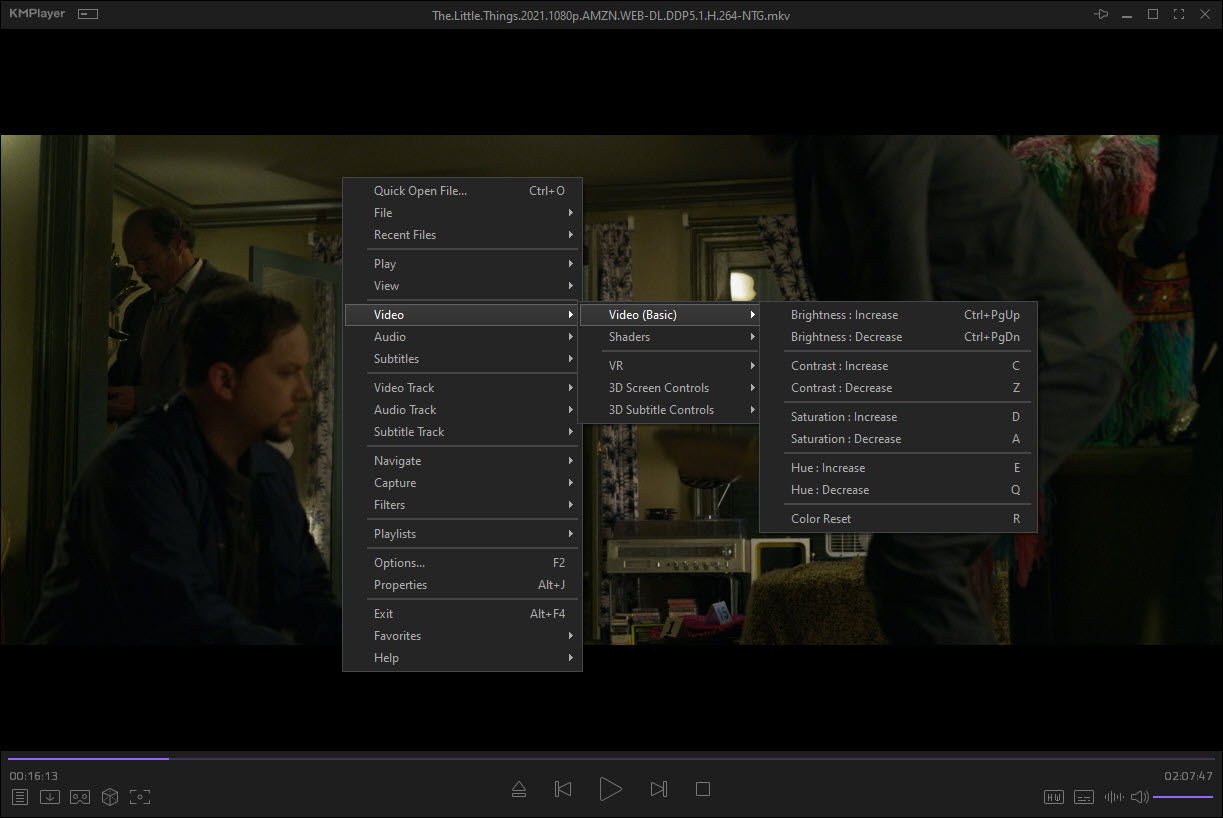
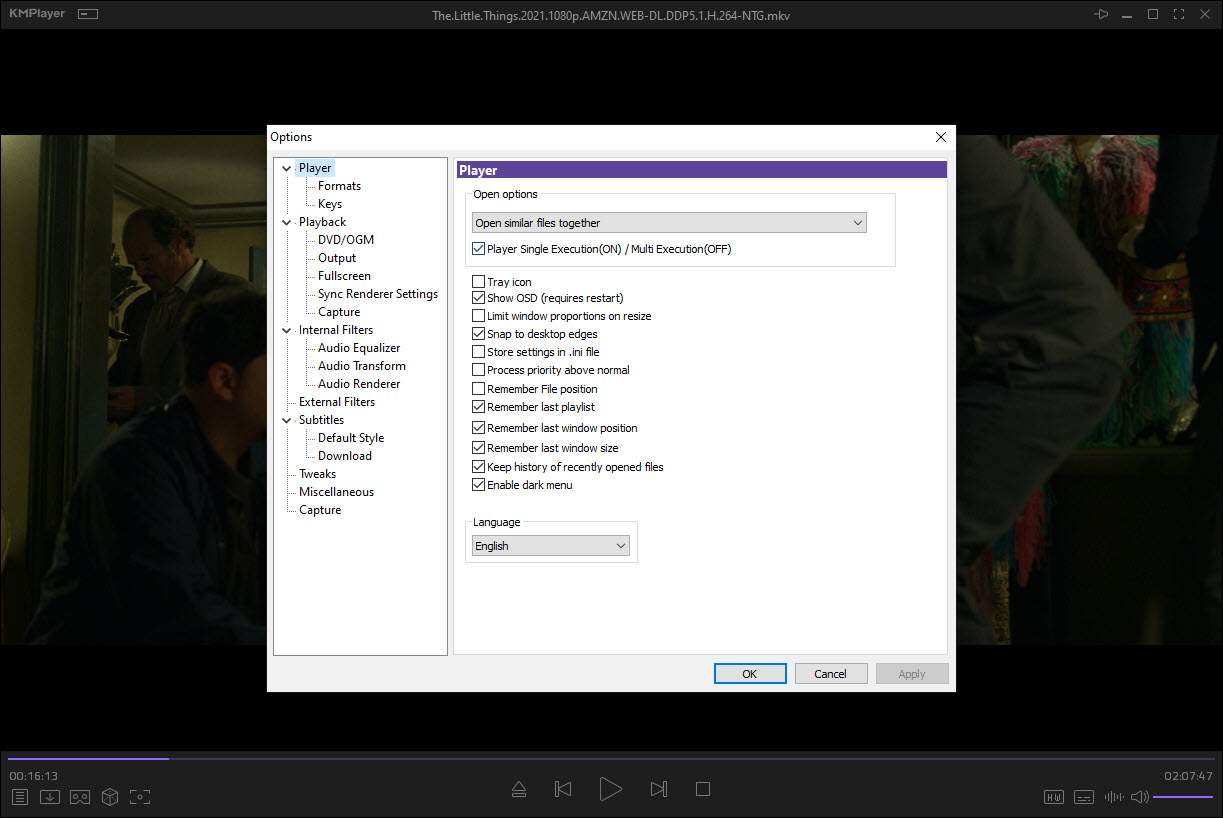
- Customizable interface: KMPlayer's interface can be customized to suit individual preferences, with options to change the skin, layout, and more. This feature allows users to personalize their media playback experience.
- Subtitle support: KMPlayer supports subtitles and closed captions, making it easy to enjoy movies and TV shows with subtitles. This feature is particularly useful for users who prefer to watch media with subtitles.
- Audio and video effects: KMPlayer offers a range of audio and video effects, including equalizer, echo, and more, to enhance the media playback experience. These effects allow users to customize the audio and video settings to their liking.
- Playlist management: KMPlayer allows users to create and manage playlists, making it easy to organize and play back multiple media files. This feature is useful for users who want to create playlists for their favorite media content.
- Media library: KMPlayer's media library allows users to manage and organize their media files, making it easy to find and play back specific files. This feature is useful for users with large media collections.
- Support for DVD and VCD: KMPlayer supports playback of DVD and VCD discs, making it a great option for those who still use these formats. This feature is useful for users who have a collection of DVD and VCD discs.
- Support for 3D and 4K video: KMPlayer supports playback of 3D and 4K video files, making it a great option for those who want to enjoy high-quality video content. This feature is useful for users who have a 3D or 4K TV.
- Screen capture: KMPlayer allows users to capture screenshots of their media files, making it easy to share and save memorable moments. This feature is useful for users who want to capture screenshots of their favorite media content.
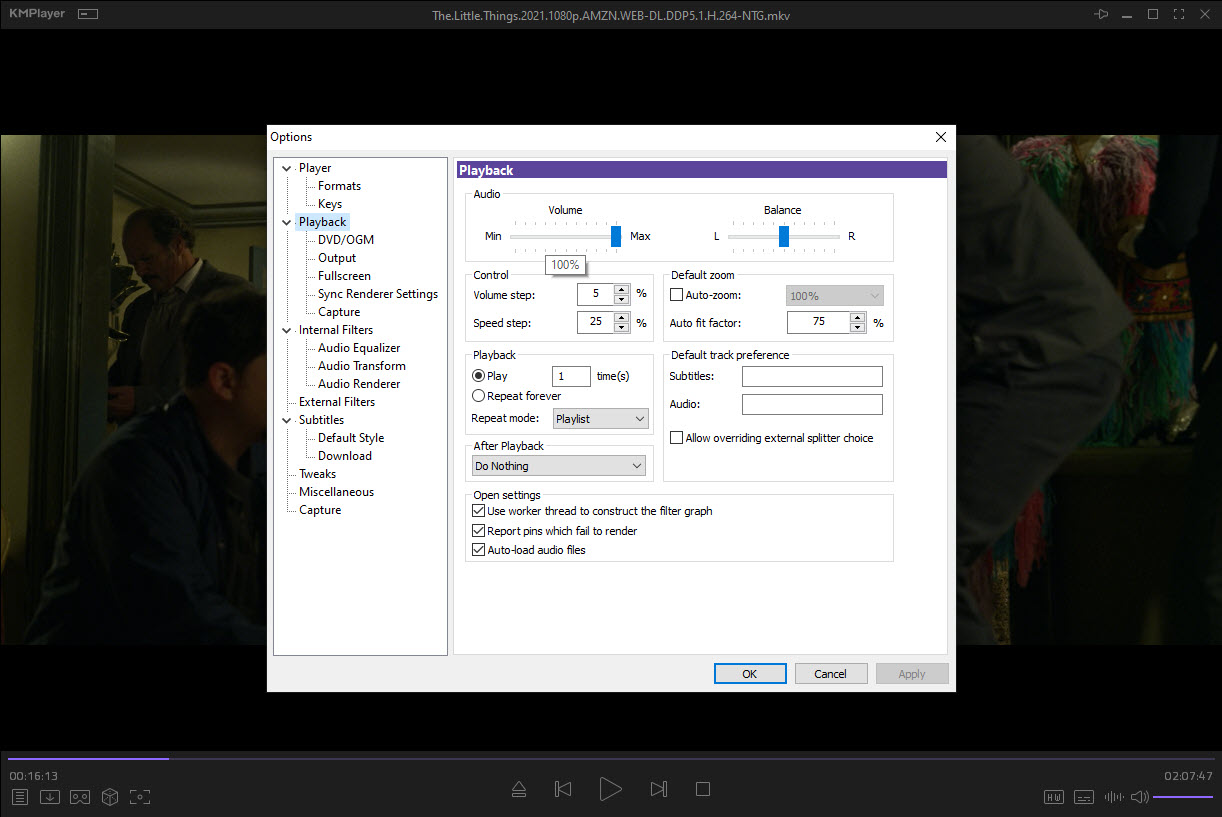
- Equalizer and audio settings: KMPlayer offers a range of equalizer and audio settings, allowing users to customize the audio output to their liking. These settings allow users to adjust the audio levels, bass, and treble to their preference.
- Support for multiple languages: KMPlayer supports multiple languages, making it accessible to users from around the world. This feature is useful for users who prefer to use the software in their native language.
Who Should Use KMPlayer?
KMPlayer is suitable for anyone who wants to play media files on their computer, including beginners, professionals, and businesses. Its user-friendly interface and customizable options make it a great option for those who want a reliable and efficient media player. KMPlayer is particularly useful for those who work with media files regularly, such as video editors, graphic designers, and media enthusiasts.
KMPlayer is also a great option for those who want to play back media files on their TV or other devices, as it supports a range of output options, including HDMI and DLNA. This feature allows users to stream media content to their TV or other devices, making it a great option for those who want to enjoy media content on the big screen.
No specific skill level is required to use KMPlayer, as it is designed to be user-friendly and easy to navigate. The software's intuitive interface and customizable options make it accessible to users of all skill levels, from beginners to professionals.
KMPlayer: Pros and Cons
Advantages:
- KMPlayer is free to use, making it a great option for those on a budget.
- It supports a wide range of media formats, making it a versatile media player.
- KMPlayer's customizable interface and options make it easy to personalize the media playback experience.
- It offers a range of audio and video effects, including equalizer and echo, to enhance the media playback experience.
- KMPlayer's support for multiple languages makes it accessible to users from around the world.
- KMPlayer's user-friendly interface and customizable options make it a great option for those who want a reliable and efficient media player.
Disadvantages:
- KMPlayer may not be as well-known as some other media players, which can make it harder to find support and resources.
- Some users may find the interface to be cluttered or overwhelming, particularly those who are not familiar with media players.
- KMPlayer's support for some newer media formats may be limited, which can be a drawback for some users.
Is KMPlayer Free?
KMPlayer is completely free to use, with no costs or subscription fees. The software is licensed under a free license, making it accessible to anyone who wants to use it. KMPlayer does not have any paid tiers or upgrades, so users can enjoy all its features without any additional costs.
As a free media player, KMPlayer is a great option for those who want to play back media files without breaking the bank. Its free license and lack of subscription fees make it an attractive option for individuals and businesses alike.
Frequently Asked Questions about KMPlayer
KMPlayer is safe to use, as it does not contain any malware or viruses. The software is regularly updated to ensure that it remains secure and free from any threats.
KMPlayer is a media player that allows users to play back a wide range of media files, including videos, audio files, and more. It supports multiple formats and offers a range of features, including customizable interface and audio and video effects.
Yes, KMPlayer is completely free to use, with no costs or subscription fees. The software is licensed under a free license, making it accessible to anyone who wants to use it.
Using KMPlayer is easy, as it has a user-friendly interface that makes it easy to navigate and use. Simply download and install the software, then open it and start playing back your media files.
KMPlayer and VLC Media Player are both popular media players, but they have some differences. KMPlayer is known for its customizable interface and audio and video effects, while VLC Media Player is known for its wide range of format support and streaming capabilities. The choice between the two ultimately depends on individual preferences and needs.
KMPlayer is a great option for anyone looking for a reliable and efficient media player. Its wide range of features, including customizable interface and audio and video effects, make it a top choice for media enthusiasts. With its free license and lack of subscription fees, KMPlayer is an attractive option for individuals and businesses alike. Overall, KMPlayer is worth downloading for anyone who wants a high-quality media player that can play back a wide range of media files. We highly recommend giving it a try and exploring its features and capabilities.
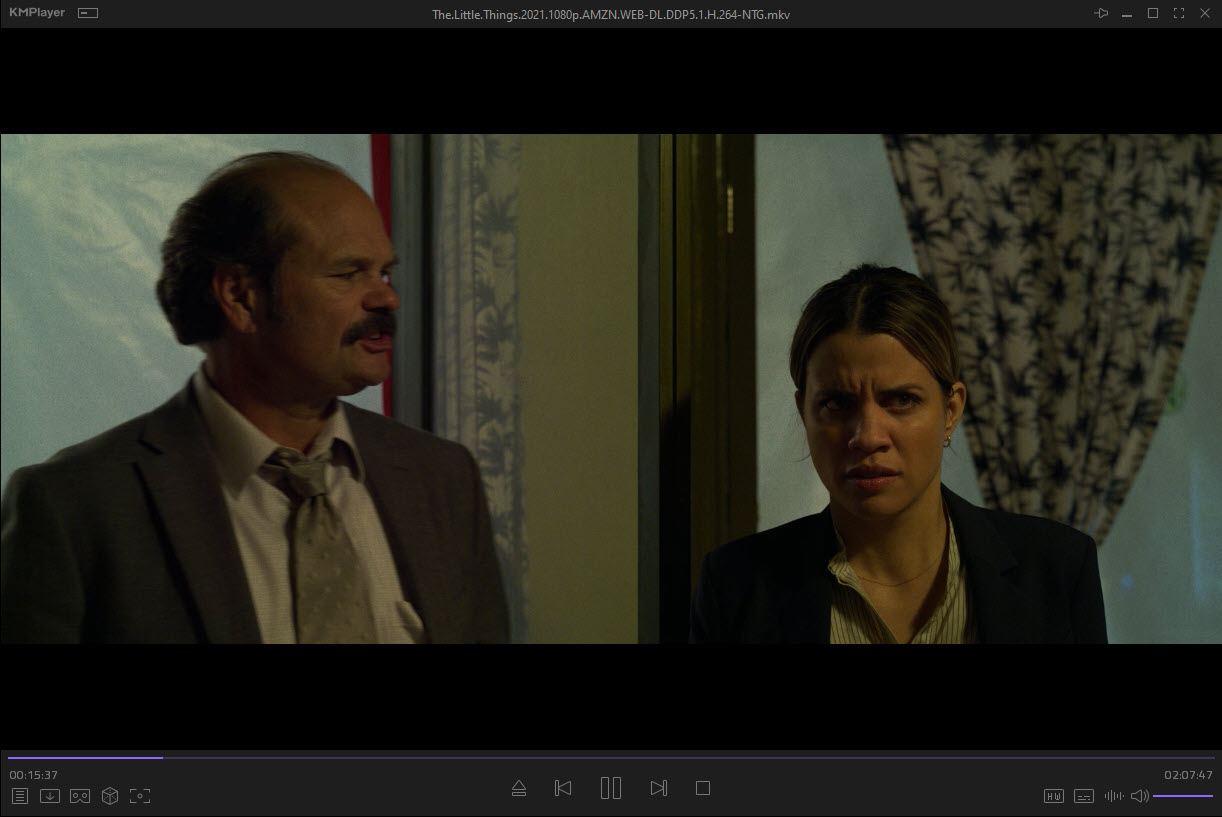
Screenshots
Specifications
User Reviews
No reviews yet. Be the first to review!