
About PotPlayer
PotPlayer is a free media player software developed by Daum Communications, designed to play a wide range of audio and video files, providing users with a seamless and high-quality playback experience. Its primary use case is to enable users to enjoy their favorite media content without any hassle, and its top benefit is the ability to support various file formats. With PotPlayer, users can enjoy smooth and uninterrupted playback of their media files.
What is PotPlayer?
PotPlayer is a comprehensive media player that supports a broad range of file formats, including AVI, MP4, MKV, and more. Developed by Daum Communications, PotPlayer has gained a reputation for its reliability and versatility, making it a popular choice among media enthusiasts. PotPlayer solves the problem of compatibility issues that often arise when trying to play different types of media files, providing a one-stop solution for all media playback needs.
With its user-friendly interface and customizable settings, PotPlayer has become a favorite among users who want to personalize their media playback experience. PotPlayer's history dates back to its initial release, and since then, it has undergone numerous updates and improvements to enhance its performance and functionality. As a result, PotPlayer has established itself as a trusted and efficient media player in the market.
PotPlayer's ability to support various file formats, including 3D and 4K videos, makes it an ideal choice for users who want to enjoy high-quality media content. Additionally, PotPlayer's support for multiple audio and video codecs ensures that users can play a wide range of media files without any compatibility issues. Overall, PotPlayer is a powerful and feature-rich media player that caters to the diverse needs of media enthusiasts.
PotPlayer's reputation for being a reliable and efficient media player has been built over the years, thanks to its continuous updates and improvements. With its robust feature set and user-friendly interface, PotPlayer has become a go-to media player for many users, and its popularity continues to grow with each new release.
PotPlayer Key Features
- Media Playback: PotPlayer supports a wide range of media file formats, including AVI, MP4, MKV, and more, ensuring that users can play their favorite media content without any compatibility issues. This feature is essential for users who have a large collection of media files in different formats.
- Customizable Settings: PotPlayer allows users to personalize their media playback experience with customizable settings, such as skinning, playback speed, and audio/video effects. This feature enables users to tailor their media playback experience to their preferences.
- 3D and 4K Video Support: PotPlayer supports 3D and 4K video playback, providing users with a high-quality and immersive media experience. This feature is ideal for users who want to enjoy the latest movies and videos in high definition.
- Multiple Audio and Video Codecs: PotPlayer supports multiple audio and video codecs, ensuring that users can play a wide range of media files without any compatibility issues. This feature is essential for users who have a large collection of media files in different formats.
- Subtitle Support: PotPlayer supports subtitle files, allowing users to enjoy their favorite movies and TV shows with subtitles. This feature is ideal for users who want to watch foreign language content or have hearing impairments.
- Playlist Management: PotPlayer allows users to create and manage playlists, making it easy to organize and play their favorite media files. This feature is essential for users who want to create custom playlists for different occasions.
- Audio and Video Effects: PotPlayer provides a range of audio and video effects, such as equalizer, bass boost, and video filters, to enhance the media playback experience. This feature enables users to customize their media playback experience to their preferences.
- Skin Support: PotPlayer supports skins, allowing users to change the look and feel of the media player to suit their preferences. This feature is ideal for users who want to personalize their media playback experience.
- Hotkey Support: PotPlayer supports hotkeys, making it easy for users to control the media player with keyboard shortcuts. This feature is essential for users who want to control the media player without using the mouse.
- Online Streaming Support: PotPlayer supports online streaming, allowing users to stream their favorite media content from the internet. This feature is ideal for users who want to access a wide range of media content without downloading it.
- Portable Mode: PotPlayer has a portable mode, allowing users to run the media player from a USB drive without installing it on their computer. This feature is ideal for users who want to use the media player on different computers without installing it.
Who Should Use PotPlayer?
PotPlayer is ideal for beginners and professionals alike, as it provides a user-friendly interface and a wide range of features to cater to different needs. Whether you're a casual media enthusiast or a professional video editor, PotPlayer has the tools and features to enhance your media playback experience. With its customizable settings and support for multiple file formats, PotPlayer is a versatile media player that can be used in a variety of scenarios.
PotPlayer is particularly useful for users who want to play a wide range of media files without any compatibility issues. Its support for multiple audio and video codecs ensures that users can play their favorite media content without any hassle. Additionally, PotPlayer's customizable settings and skin support make it an ideal choice for users who want to personalize their media playback experience.
PotPlayer requires minimal skill to use, making it accessible to users of all levels. Its intuitive interface and easy-to-use controls ensure that users can navigate and use the media player with ease. Whether you're a beginner or an experienced user, PotPlayer provides a seamless and high-quality media playback experience that is hard to match.
PotPlayer: Pros and Cons
Advantages:
- PotPlayer supports a wide range of media file formats, making it a versatile media player.
- PotPlayer has a user-friendly interface and customizable settings, making it easy to use and personalize.
- PotPlayer supports 3D and 4K video playback, providing a high-quality and immersive media experience.
- PotPlayer has a low system requirements, making it suitable for use on older computers.
- PotPlayer is free to use, making it an affordable option for media enthusiasts.
- PotPlayer has a strong community support, with regular updates and bug fixes.
Disadvantages:
- PotPlayer may not support all file formats, although it supports a wide range of popular formats.
- PotPlayer's interface may appear cluttered to some users, although it can be customized to suit individual preferences.
- PotPlayer may require additional codecs to be installed for some file formats, although this is a rare occurrence.
- PotPlayer may not have as many advanced features as some other media players, although it provides all the essential features for media playback.
Is PotPlayer Free?
PotPlayer is completely free to use, with no paid upgrades or subscriptions required. This makes it an attractive option for media enthusiasts who want to enjoy their favorite media content without incurring any costs. As a free media player, PotPlayer provides a high-quality and feature-rich media playback experience that is hard to match.
PotPlayer's free status is a significant advantage, as it allows users to try out the media player without any financial commitment. With its wide range of features and customizable settings, PotPlayer provides a comprehensive media playback experience that is suitable for users of all levels.
Frequently Asked Questions about PotPlayer
Yes, PotPlayer is safe to use, as it is a reputable and well-established media player that has been tested and reviewed by numerous users and experts. PotPlayer is also free from malware and viruses, ensuring a secure media playback experience.
PotPlayer is a media player that plays a wide range of audio and video files, providing users with a seamless and high-quality playback experience. It supports various file formats, including AVI, MP4, MKV, and more, and offers customizable settings and features to enhance the media playback experience.
Yes, PotPlayer is completely free to use, with no paid upgrades or subscriptions required. This makes it an attractive option for media enthusiasts who want to enjoy their favorite media content without incurring any costs.
Using PotPlayer is straightforward, as it has a user-friendly interface and easy-to-use controls. Simply download and install PotPlayer, and then use it to play your favorite media files by selecting the file you want to play and using the controls to navigate and customize the playback experience.
PotPlayer and VLC Media Player are both popular media players, but they have some differences. PotPlayer has a more user-friendly interface and customizable settings, while VLC Media Player has more advanced features and supports a wider range of file formats. Ultimately, the choice between PotPlayer and VLC Media Player depends on individual preferences and needs.
PotPlayer is a versatile and feature-rich media player that provides a high-quality and seamless media playback experience. With its wide range of features, customizable settings, and support for multiple file formats, PotPlayer is an ideal choice for media enthusiasts of all levels. We highly recommend downloading PotPlayer to experience its superior media playback capabilities and enjoy your favorite media content without any hassle.
Screenshots
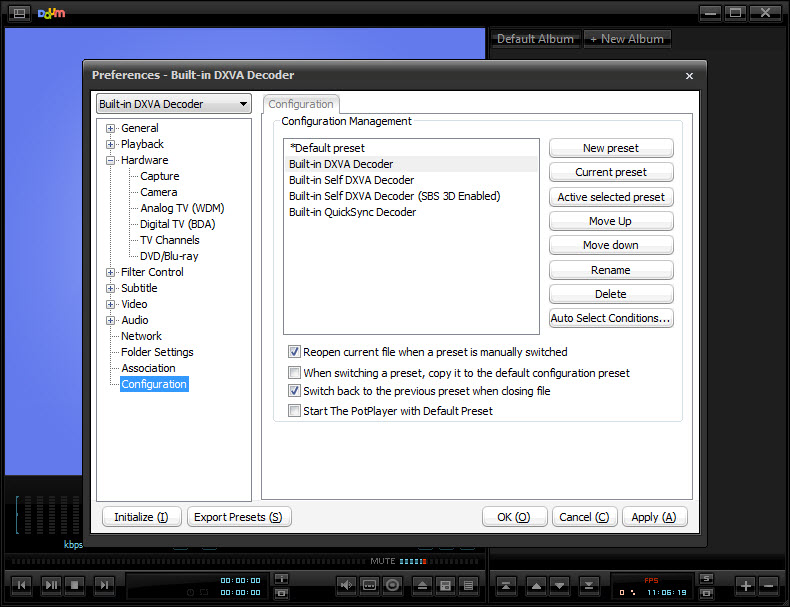
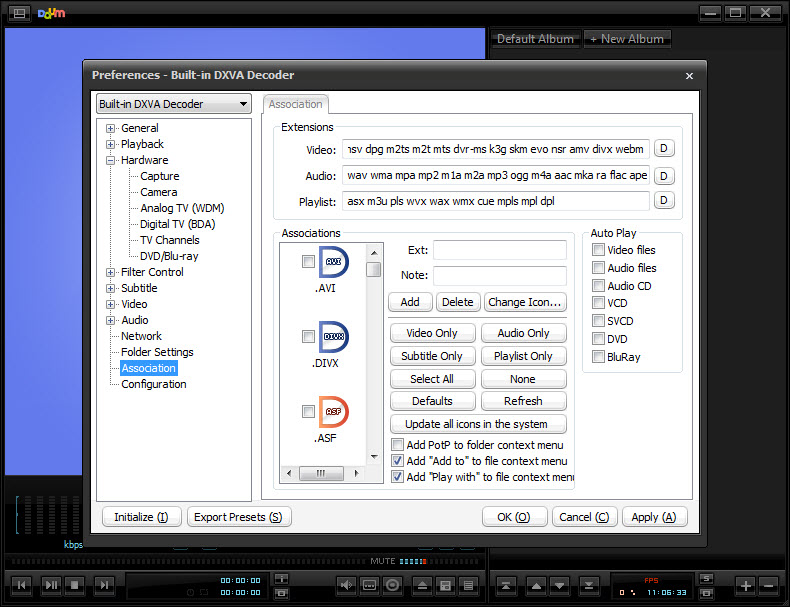
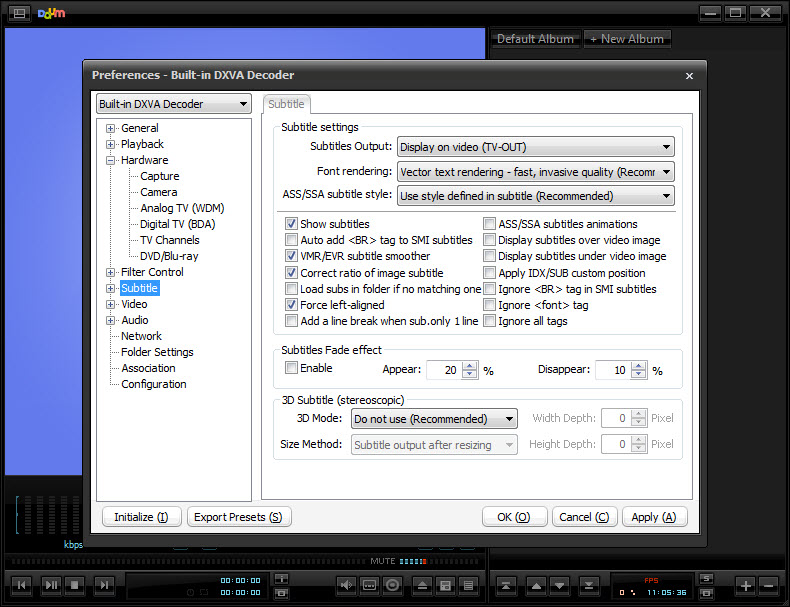
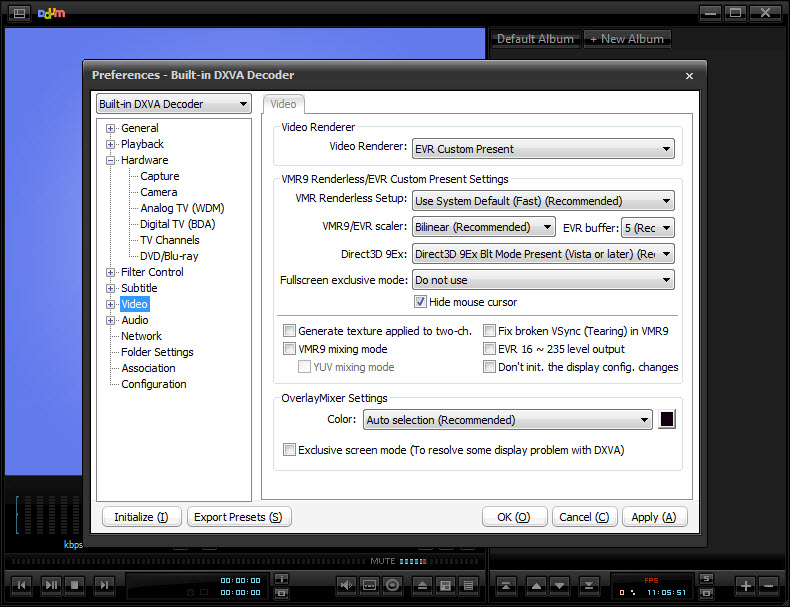
Specifications
User Reviews
No reviews yet. Be the first to review!